
Buy Vehicle on Cars.com

Cars.com is a large marketplace for new and used vehicles. It is not a live auction. It is a listings platform where you can search, compare, and buy cars on Cars.com from dealers and private sellers. If you plan to buy vehicle on Cars.com USA, you will find a wide range of body styles, budgets, and trim levels with helpful tools for research.
The platform connects car buyers and sellers through clear listings, reviews, and lead forms. It also offers technology solutions for dealerships and brands. For buyers, it provides data and guidance that make decisions faster and safer.
Ownership and leadership information is public. The platform is operated by a well known automotive commerce group with digital products used across the industry.
From classifieds site to digital auto platform
Cars.com launched in the late 1990s and evolved from a basic classifieds site to a full digital ecosystem. Over time it added technology products for dealers, analytics, and media content. Today, when users search for cars on Cars.com, they get inventory plus research tools, price guides, and seller ratings in one place.
What is on Cars.com and how buying works?
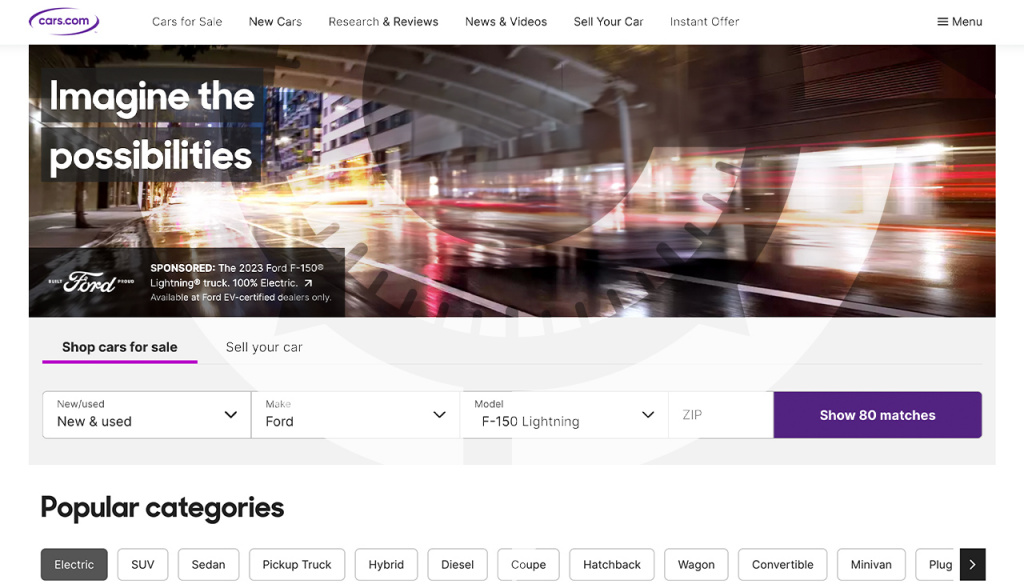
You can browse:
- Used cars and certified pre owned vehicles
- New cars in a dedicated section
- Trucks and pickups on partner properties
- SUVs, crossovers, sedans, hatchbacks, wagons, and coupes
Listings usually include:
- Photos, specs, features, trim details
- Mileage, price, and market value insights
- Vehicle history indicators where available
- Seller type, location, and contact options
How to buy cars on Cars.com?
- Search and filter. Use filters for price, mileage, year, body style, drivetrain, and features. Save searches and set alerts.
- Compare prices. Review price comparison and market value tools. Check similar vehicles to confirm a fair deal.
- Verify history. Ask for a verified vehicle history report. Review maintenance records and any accident notes.
- Contact the seller. Use the contact seller on Cars.com button or call the number in the listing. Ask for a purchase agreement and a copy of the Title or registration details before payment.
- Arrange inspection. Order a pre purchase inspection or test drive where possible. Remote buyers can use third party inspectors.
- Payment. Agree on the payment terms with the seller or dealer. Bank transfer is common for secure transactions. For international buyers, plan your export steps in advance.
- Delivery. Book pickup, enclosed or open transport, and export shipping if needed. Keep copies of the bill of sale and all documents.
Tip. Check total cost including taxes, fees, transport, and any reconditioning. Confirm VIN, trim, and options match the listing.
Why buyers choose Cars.com?
- Large inventory from dealers and private sellers
- Cars.com listings and reviews to support research
- Market value tools for fair pricing
- Mobile apps for iOS and Android for easy browsing
- Clear contact options and messaging
- Useful filters to locate the right vehicle faster
Need help sourcing and shipping after you buy vehicle on Cars.com?
Columb Trade assists with seller communication, document checks, price validation, and door to port delivery. We help you secure the right unit on Cars.com and move it to your market with a clear timeline and cost breakdown.
